Building and Upgrading Computers
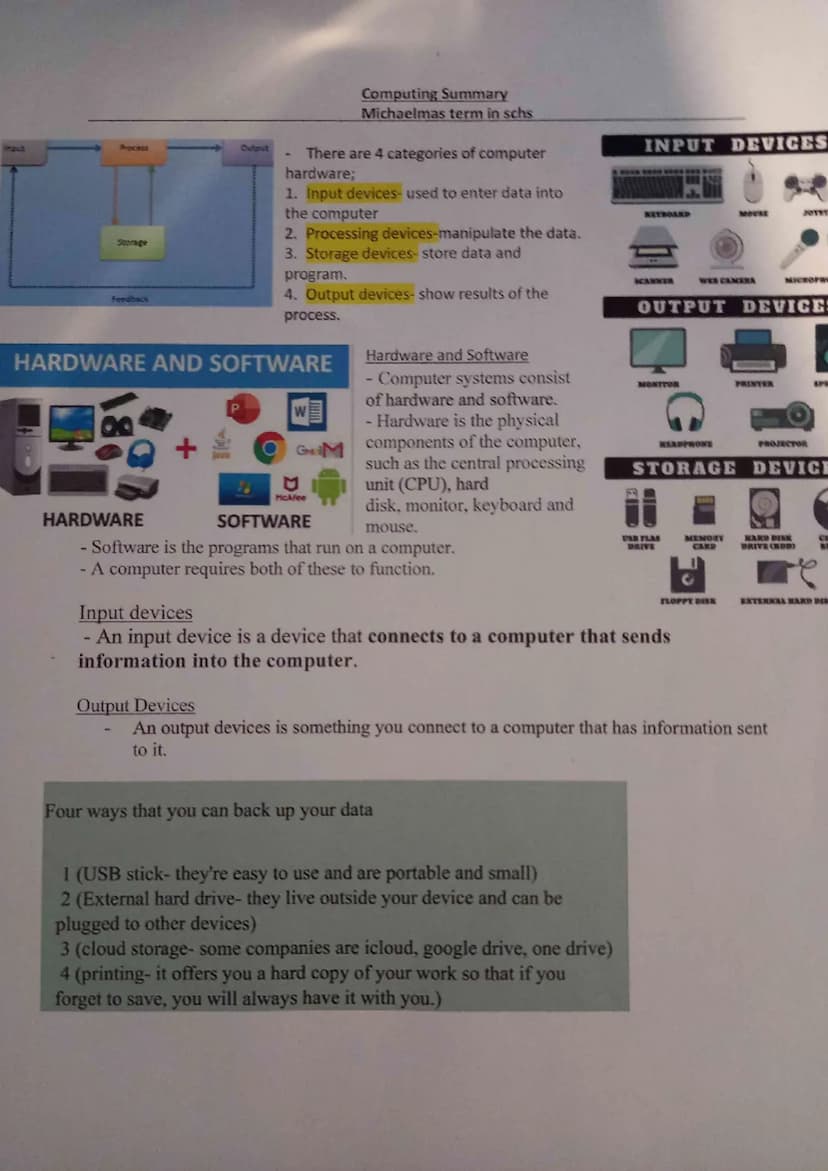
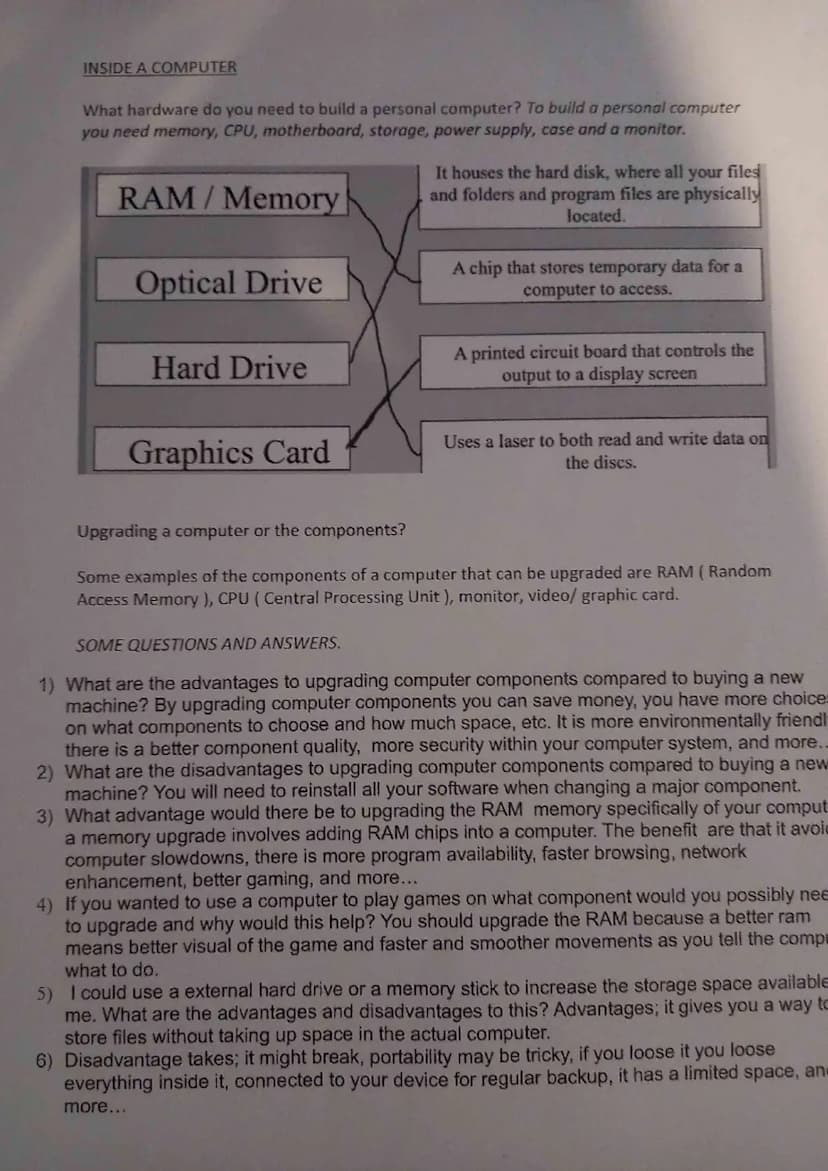
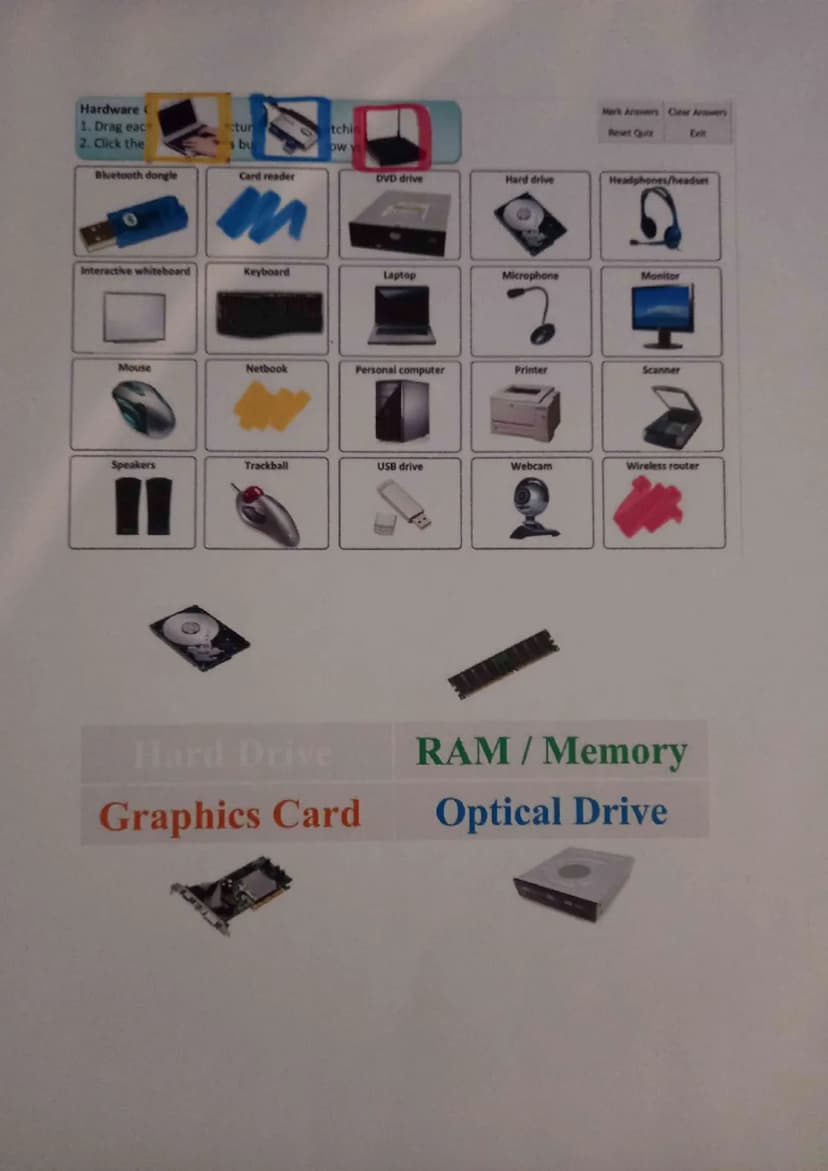
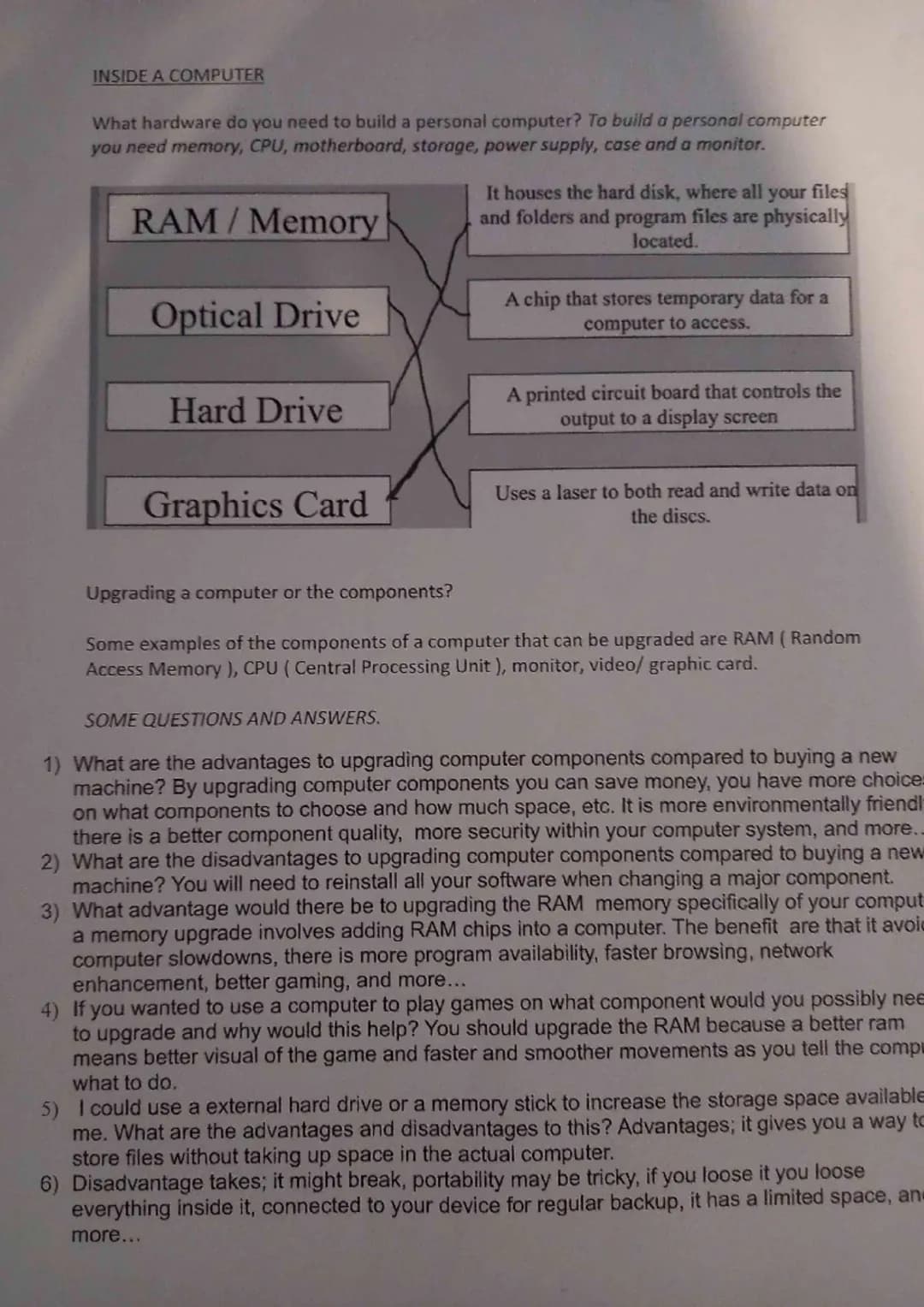
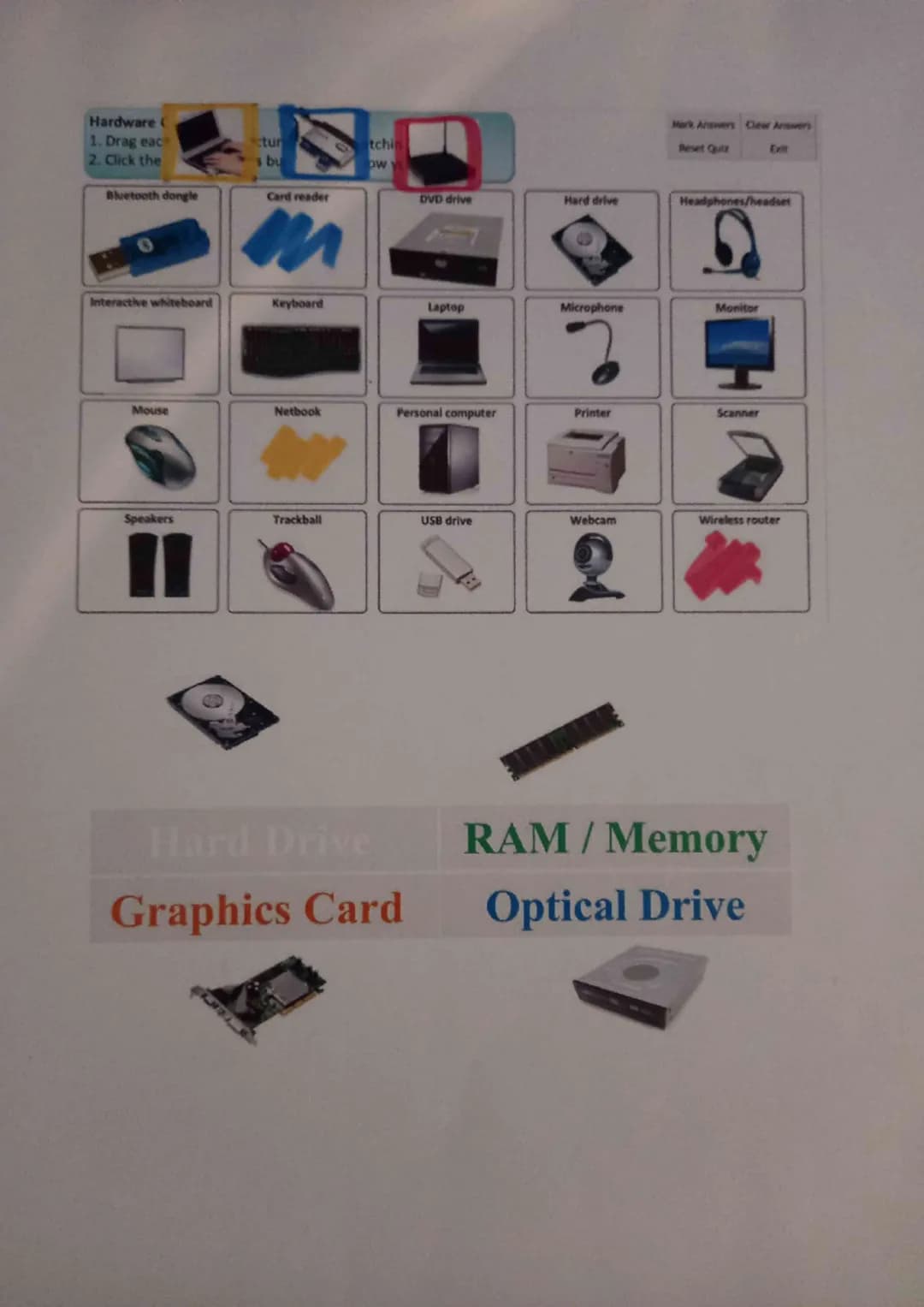
Building a personal computer requires seven essential components: memory (RAM), CPU, motherboard, storage, power supply, case, and monitor. Each part has a specific job, and they all work together like a well-organized team.
Upgrading components instead of buying a new computer has serious advantages. You'll save money, get better component quality, and help the environment by reducing waste. Popular upgrades include RAM memory, CPU, graphics cards, and monitors - each targeting different performance improvements.
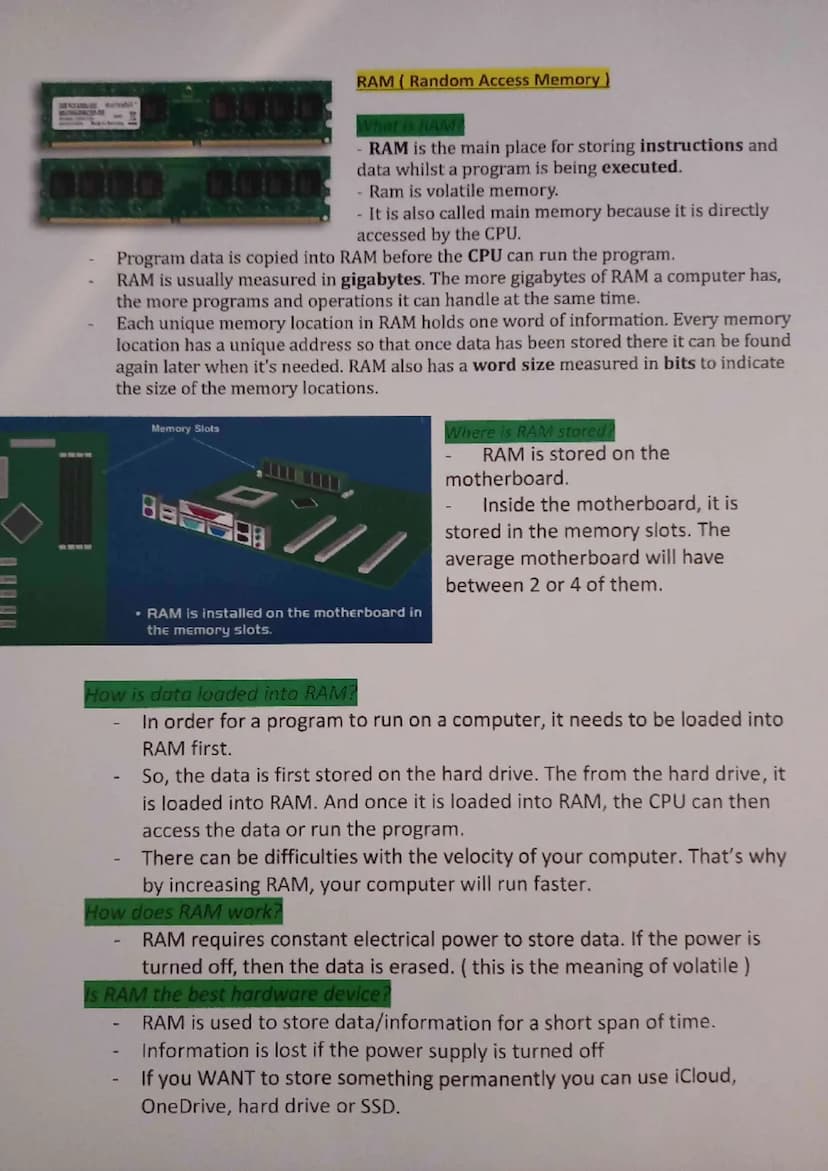
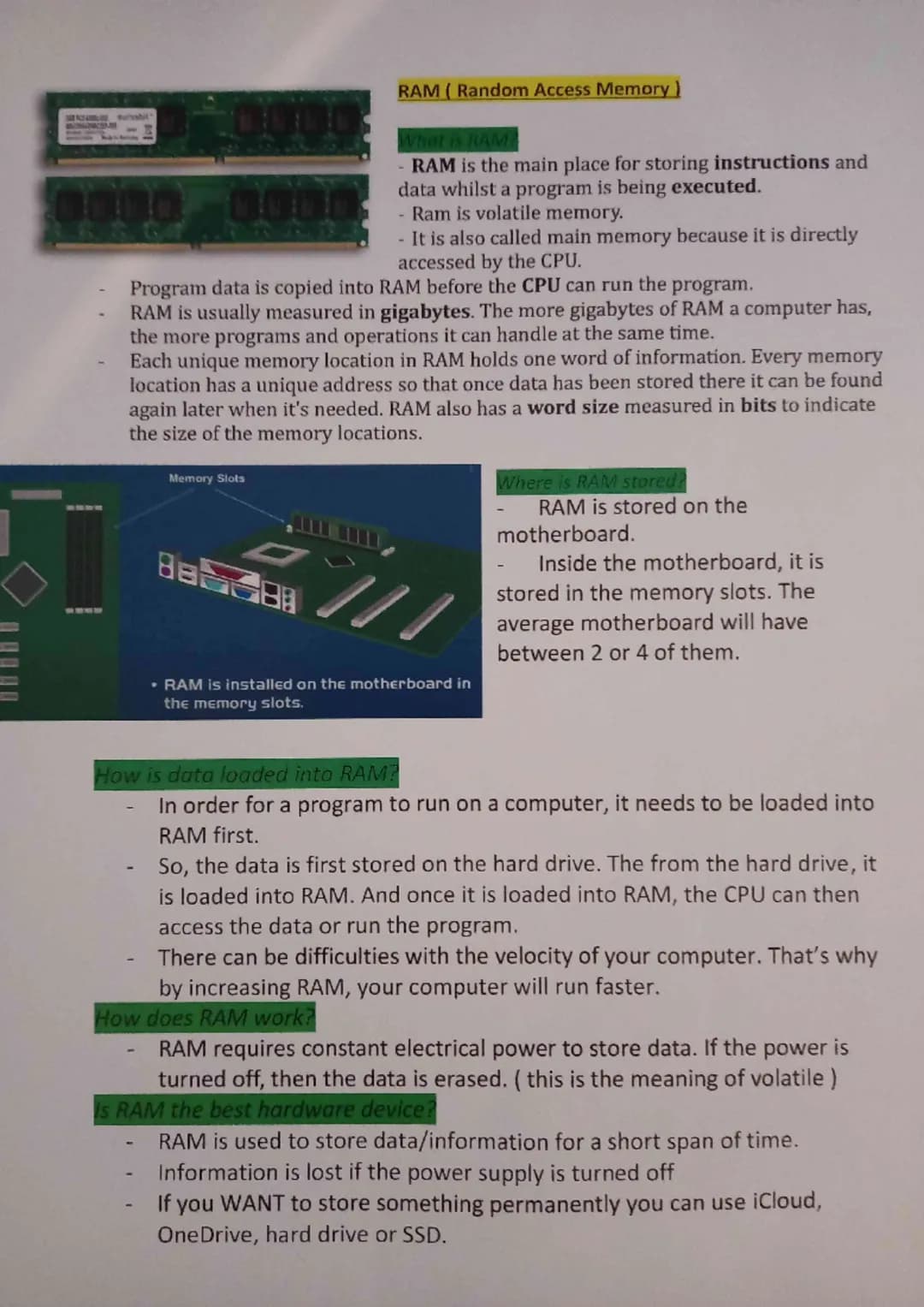
RAM upgrades are particularly effective because they prevent slowdowns and enable smoother multitasking. For gaming, upgrading RAM improves visual quality and creates smoother gameplay. However, major component changes might require reinstalling software, which can be time-consuming.
External storage like hard drives or memory sticks offers extra space without opening your computer. The downside? They can break, get lost, or become disconnected when you need them most. Weigh these pros and cons before deciding on your upgrade strategy.
Pro Tip: Start with RAM upgrades - they're usually the easiest and give the biggest performance boost for your money!


 Computer Science
 Design & Technology
 English Literature
 Sociology
 Biology